
Visioneer OneTouch 300 Scanner
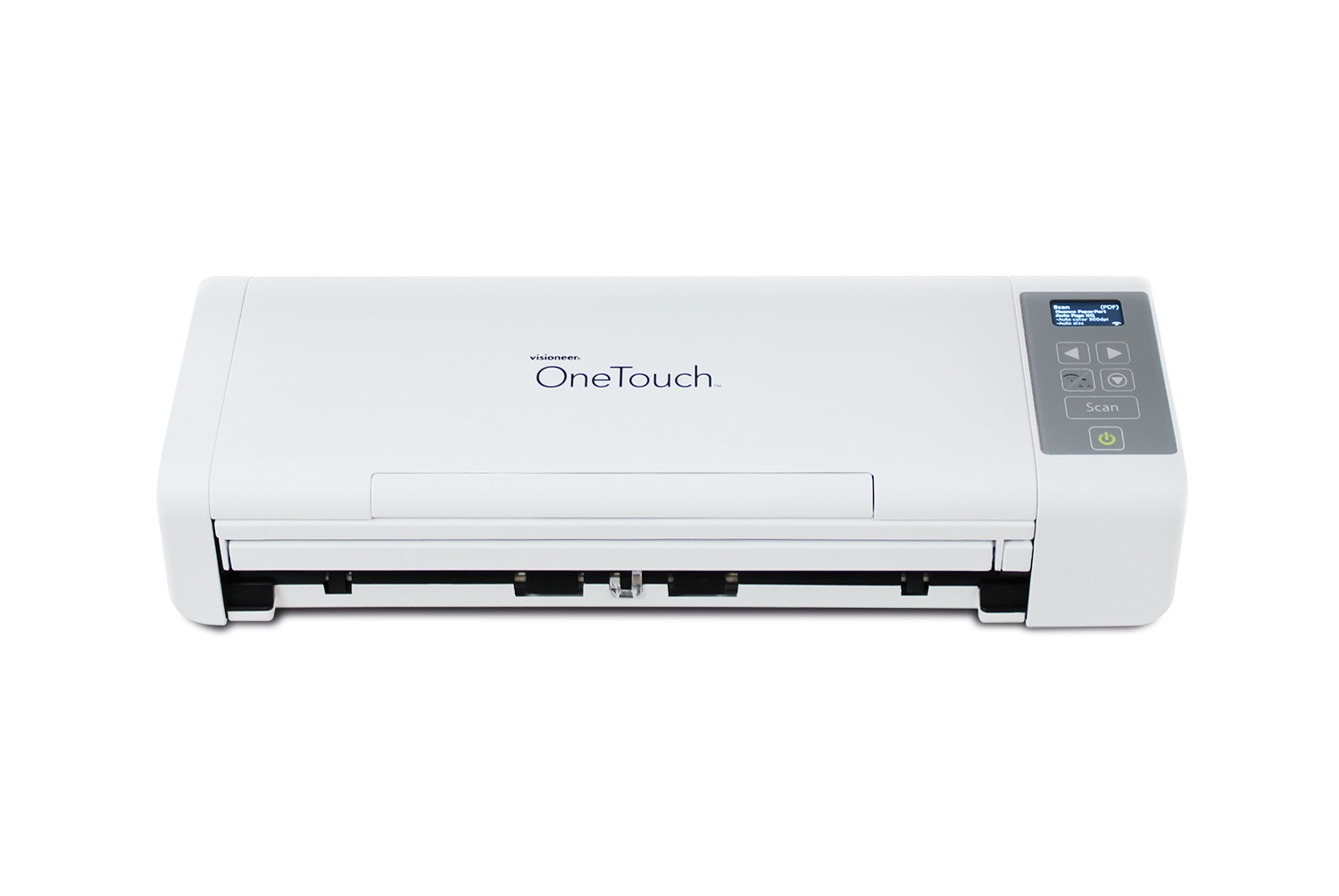
- Speeds up to 30 ppm / 60 ipm at 300 dpi
- 25-sheet automatic document feeder with automatic duplex
- USB 2.0, WiFi 802.11 b/g/n and Gigabit Ethernet connectivity
- Scans plastic ID cards and long documents up to 118 in
- Visioneer Intelligent Software Platform
- Mobile scan-ready on iOS & Android
Abstract
The Visioneer OneTouch 300 is a compact duplex document scanner built for desks, shared offices and remote workspaces that need real scanning speed without a full-size machine. It captures both sides of a page in a single pass at up to 30 pages per minute (60 images per minute) at 300 dpi, feeding from a 25-sheet automatic document feeder. Three connections come standard — USB 2.0, WiFi 802.11 b/g/n and Gigabit Ethernet — so the same unit can sit on a USB cable at one desk or serve a workgroup over the network, sending scans straight to a network folder, an email address or a cloud destination. Collapsible trays fold the scanner down to 11.8 x 4.1 x 2.9 in and 3.3 lb for storage or travel.
Product Description
Speed in a Small FootprintCompact scanners have historically forced a choice between price and throughput. The OneTouch 300 holds 30 ppm / 60 ipm duplex at 300 dpi in a body that collapses to the size of a laptop, so long jobs finish quickly even at a reception desk or a home office where floor space is the constraint.
Media FlexibilityThe feeder takes paper from 7 to 110 lb., embossed and plastic ID cards up to 0.05 in thick, photos and receipts. Long-document mode handles continuous originals up to 118 in, and documents as small as 2 x 2 in feed reliably through the same path.
Software IncludedThe Visioneer Intelligent Software Platform ships with the scanner. Visioneer OneTouch drives one-click scan workflows to preset destinations, Visioneer Organizer AI tags and classifies the resulting files, and a full version of ABBYY FineReader PDF handles OCR and PDF editing on both Windows and macOS. Visioneer Mobile Capture adds scanning from iOS and Android.
Specifications
- Speed @ 300 dpi, b&w, grayscale, or color: 30 ppm / 60 ipm
- Simplex or Duplex: Duplex (two-side scanning)
- ADF Capacity: 25 sheets (20 lb., 75-80 g/m2 paper)
- Scan Method: Duplex Automatic Document Feeder
- Optical Resolution: 600 dpi
- Output Resolution: 1200 dpi
- Output Bit Depth: 24-bit color, 8-bit grayscale, 1-bit black & white
- Imaging Sensor: Dual CIS (front & back)
- Light Source: LED
- Interface: USB 2.0, WiFi 802.11 b/g/n, Gigabit Ethernet
- Minimum Paper Size: 2 x 2 in (51 x 51 mm)
- Maximum Paper Size: 8.5 x 118 in (216 x 3000 mm)
- ADF Paper Thickness Range: 7 - 110 lb. (27 - 413 g/m2)
- Maximum Card Thickness: 0.05 in (1.25 mm)
- Dimensions (trays collapsed): 11.8 x 4.1 x 2.9 in (299 x 104 x 74 mm)
- Dimensions (trays expanded): 11.8 x 10 x 10 in (299 x 255 x 255 mm)
- Weight: 3.3 lb. (1.5 kg)
- Supported Operating Systems: Windows 11, 10, 7; macOS 11 - 15
- Supported Drivers: TWAIN, WIA, ICA, SANE
What's in the Box
- Visioneer OneTouch 300 Scanner
- Power supply and adapter
- USB cable
- Network cable
- Quick Install guide
- Warranty and Registration cards
- Included software (download)
Included Software
Windows- Visioneer OneTouch SE
- Visioneer Organizer AI
- ABBYY FineReader PDF
- ABBYY Business Card Reader
- Visioneer Scan Utility
- ABBYY FineReader PDF
System Requirements
Visioneer OneTouch 300 Scanner PC Requirements- Intel i3 or equivalent CPU
- Internet access (for installation)
- An available Universal Serial Bus (USB) port
- Microsoft Windows operating system: 32-bit or 64-bit Windows 7 (Service Pack 1), 8 / 8.1, 10 or 11
- Minimum of 2 gigabyte (GB) of internal memory (RAM)
- Minimum available hard disk space: 350 MB for the scanner driver, 1 GB for Visioneer OneTouch, 1 to 3 GB for each additional application
- Intel i3 or equivalent CPU
- Internet access (for installation)
- An available Universal Serial Bus (USB) port
- Apple macOS 10.14 or later
- Minimum of 2 gigabyte (GB) of internal memory (RAM)
- Minimum available hard disk space: 350 MB for the scanner driver